
How to add a Unit
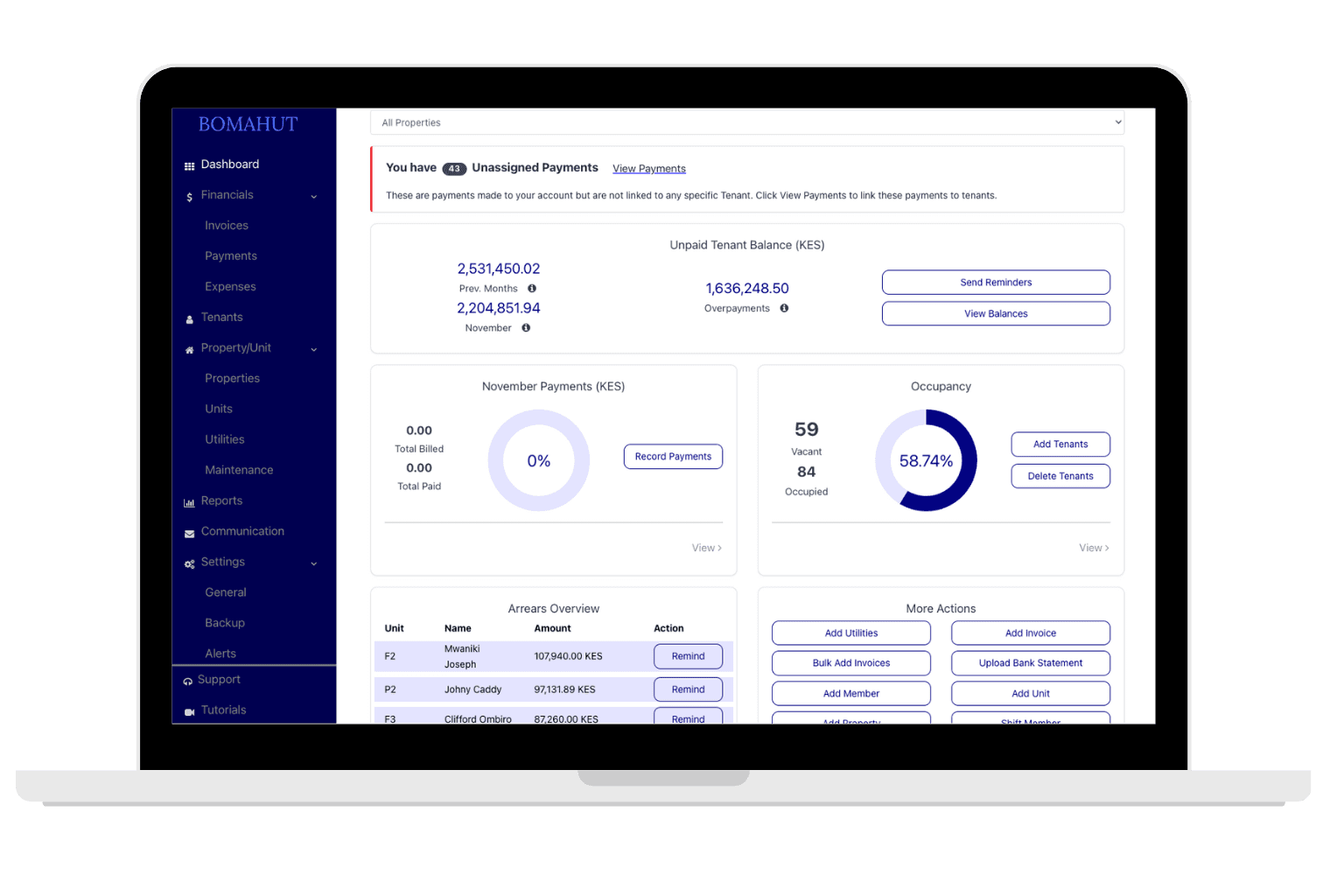
Steps to add a Unit
- Ensure you have already added the Property for the Unit. If you have not done this already, start with the property tutorial.
- On the left navigation, click on Properties, then click on Properties / Unit tab.
- Then click on Add Unit button found on top right.
- Add relevant unit information.
- Save and add other units.